Public Wi-Fi is everywhere: airports, coffee shops, hotels, and restaurants all offer free internet access. While convenient, these networks come with serious security risks. Many people ask, “Is public Wi-Fi safe?” The truth is that public networks often lack the protections needed to keep your personal information secure.
Understanding the dangers of public Wi-Fi is the first step toward protecting yourself from hackers who may be monitoring the same network. In this article, let’s look at the biggest public Wi-Fi security risks and how you can stay safe while staying connected.
Public Wi-Fi refers to wireless internet networks that are freely accessible to the public. These networks are typically offered as a convenience to customers or visitors. Common places where you’ll find public Wi-Fi include:
Because these networks are open to many users at once, they often lack strong security protections. Anyone connected to the same network may potentially monitor or intercept traffic if safeguards are not in place.
While free Wi-Fi makes it easy to check email or browse the web, it also creates opportunities for cybercriminals to exploit vulnerabilities.
The primary reason public Wi-Fi can be risky is that these networks were designed for convenience, not security.
Here are some of the biggest reasons public WiFi can expose your personal data.
Open Networks – Many public networks do not require strong authentication. Anyone within range can join, including hackers looking for easy targets.
Lack of Encryption – Some networks do not properly encrypt traffic. Without encryption, data traveling between your device and the internet can be intercepted.
Shared Access with Strangers – When dozens or hundreds of people connect to the same Wi-Fi network, it becomes easier for attackers to monitor network traffic and attempt to capture sensitive information.
These weaknesses create opportunities for attackers to carry out a variety of cyberattacks.
Several common cyberattacks specifically target public Wi-Fi users. Understanding these threats can help you recognize and avoid dangerous situations.
Fake WiFi Hotspots (Evil Twin Attacks) – One of the most common public WiFi scams involves fake hotspots designed to look like legitimate networks. Attackers create networks with names like “Airport_Free_WiFi” or “Hotel_Guest.” When users connect, attackers can monitor their activity or steal login credentials.
Man-in-the-Middle Attacks – In a Man-in-the-Middle (MITM) attack, a hacker secretly intercepts communications between your device and the website you’re visiting. This allows them to read or manipulate the data being transmitted. These attacks can expose passwords, emails, and other sensitive information.
Packet Sniffing and Password Theft – Hackers often use packet-sniffing tools to capture data traveling across a public WiFi network. If websites or apps don’t properly encrypt data, attackers may be able to see login credentials, browsing activity, and personal details.
Session Hijacking – Session hijacking occurs when attackers steal authentication tokens from active sessions. This can allow them to access your accounts without needing your password. For example, a hacker might gain access to your email or social media account while you’re still logged in.
If a network is compromised or poorly secured, hackers may be able to view or capture a surprising amount of personal information.
Potentially exposed data can include:
In some cases, attackers can also see the websites you visit or the apps you use. If sensitive data is transmitted without proper encryption, it may be vulnerable to interception.
This is why cybersecurity experts often advise avoiding sensitive activities while connected to public networks.
Anyone using public Wi-Fi can be vulnerable, but certain groups face greater risks.
Remote Workers – Employees accessing company systems over public networks may expose confidential business information or login credentials.
Travelers – Travelers frequently rely on airport and hotel Wi-Fi, making them prime targets for attackers who operate in busy public spaces.
Students – Students often use public Wi-Fi at libraries, cafes, or campus hotspots where network security may be limited.
Small Businesses – Entrepreneurs and small business owners who access financial systems or customer data over public networks may unintentionally expose sensitive information.
While public WiFi risks are real, there are steps you can take to protect yourself.
Use a VPN – A virtual private network (VPN) encrypts your internet traffic, helping prevent hackers from intercepting your data.
Avoid Banking or Sensitive Transactions – Avoid logging into banking apps, payment systems, or work accounts when connected to public networks.
Use HTTPS Websites – Always check that websites use HTTPS encryption before entering login credentials or personal information.
Disable Auto-Connect – Many devices automatically connect to previously used networks. Disabling this feature can prevent accidental connections to malicious hotspots.
Use Mobile Data When Possible – When accessing sensitive information, using your mobile data connection or personal hotspot is often safer than public Wi-Fi.
Public Wi-Fi is convenient, but it’s important to remember that free internet access often comes with hidden risks. Without proper security protections, attackers may be able to intercept data, steal passwords, or access personal accounts.
By understanding the dangers of public Wi-Fi and using privacy-protecting tools, you can reduce your exposure and stay safer online.
Public Wi-Fi risks highlight an important reality: your digital identity and internet activity can be exposed without the right protections in place. One of the most effective ways to reduce public Wi-Fi risks is to combine secure browsing with identity protection.
MySudo by Anonyome Labs helps protect both. With MySudo, you can create multiple private digital identities (“Sudos”) with separate:
This allows you to keep your real identity separate from online activity, reducing the impact if data is intercepted on a public network.
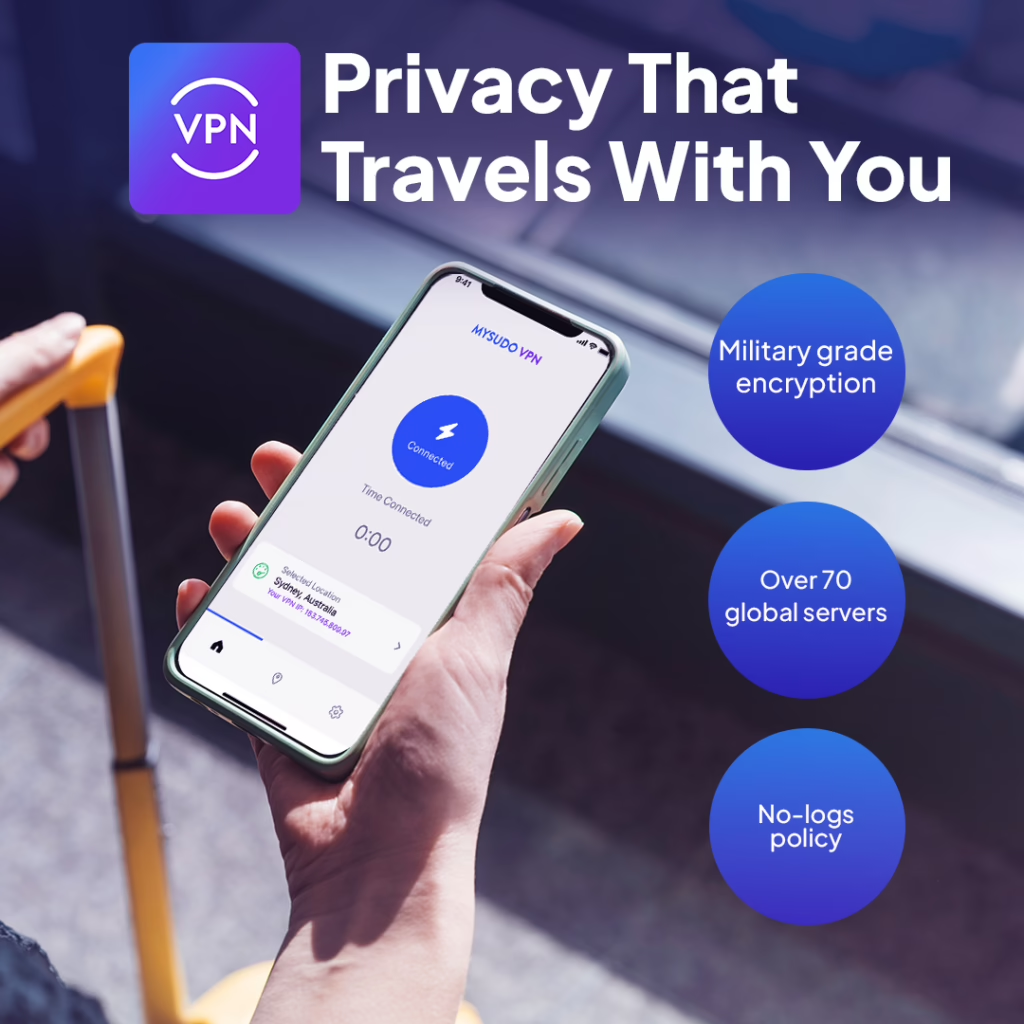
When connected to public Wi-Fi, MySudo VPN encrypts your internet traffic, helping prevent attackers from intercepting your data.
Using a VPN on public networks can help protect against:
By encrypting your connection, MySudo VPN helps ensure that your passwords, messages, and browsing activity remain private even when you’re connected to public Wi-Fi.
Dangers of Public Wi-Fi