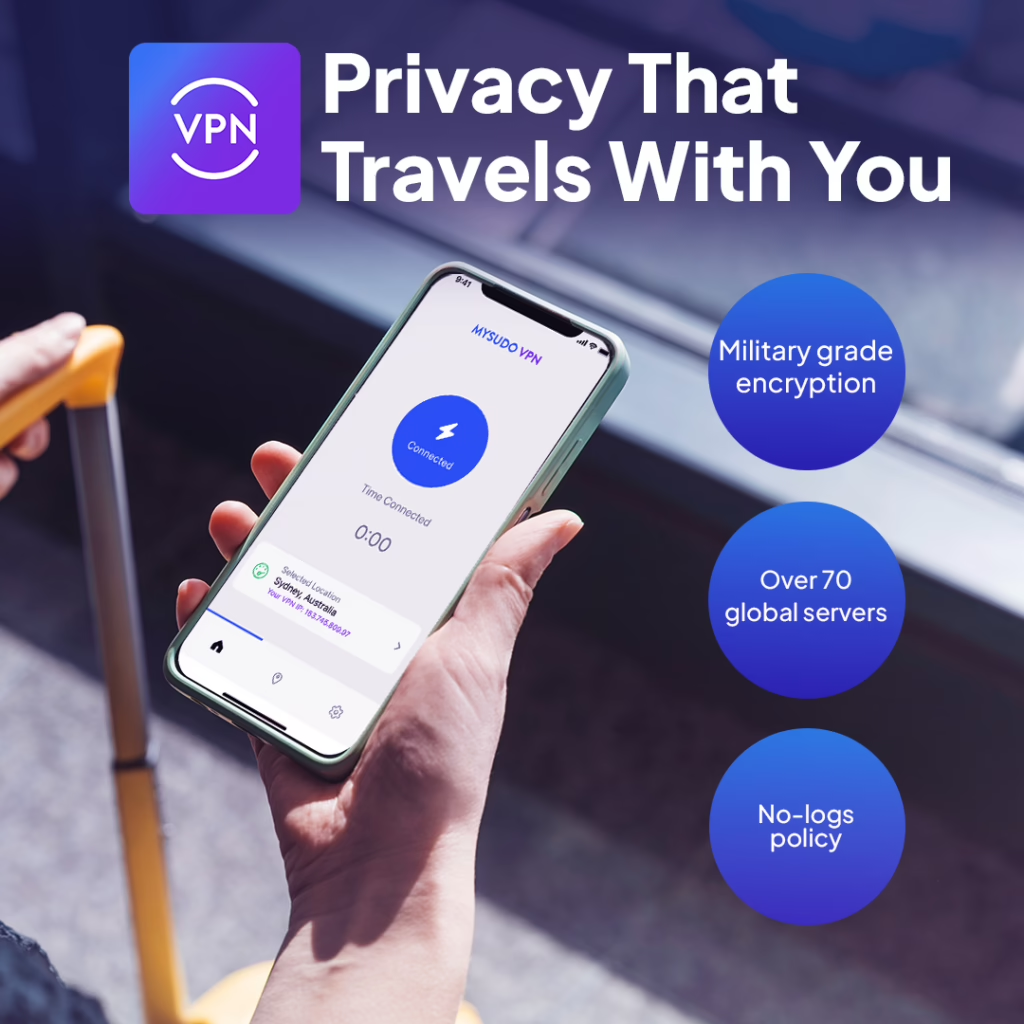
Is airport Wi-Fi safe? Using public Wi-Fi in airports, coffee shops, hotels, and libraries can expose your data to hackers. One of the most effective ways to protect yourself is by using a Virtual Private Network (VPN).
A VPN encrypts your internet traffic, preventing attackers on the same network from intercepting sensitive information like passwords, messages, and financial data. But not all VPNs are created equal. When evaluating VPN providers for public Wi-Fi security, it’s important to consider factors like encryption strength, privacy policies, identity protection features, and ease of use.
Before choosing a VPN, consider the following security and privacy features:
Strong Encryption – Top VPNs use AES-256 encryption, the same level used by governments and security professionals.
No-Log Policy – A trustworthy VPN should not log or store your browsing activity.
Leak Protection – Your VPN should prevent DNS leaks and IP leaks that could expose your real identity.
Ease of Use – The VPN should be easy to activate quickly when connecting to public WiFi.
Privacy Protection Beyond VPN – Some providers go beyond network encryption and offer identity protection features, which can significantly reduce your overall digital exposure.
The following VPN providers all have a “No-Logs Policy”, making them safe options.
A new investigation just dropped a bombshell: 77% of Android VPNs on the Google Play Store fail basic transparency tests.
Out of 3,471 apps claiming to protect your privacy, over 2,600 have significant flaws with missing websites, unknown ownership, and questionable data practices. The hard truth? Most VPNs aren’t protecting you. They’re profiting from you.
At Anonyome Labs, we built MySudo VPN differently because privacy isn’t a feature we bolted on, it’s the entire foundation. No logs. No tracking. No hidden monetization of your data. Just genuine, verifiable privacy.
Even the most secure-looking public WiFi networks can be compromised. You should always activate a VPN when connecting to Wi-Fi in places like:
Using a VPN ensures that even if attackers are monitoring the network, your traffic remains encrypted and unreadable.
Most VPNs focus solely on encrypting internet traffic. While this is important, VPN encryption alone does not fully protect your digital identity. MySudo VPN is designed as part of a broader privacy ecosystem that protects both your network activity and your identity exposure.
With MySudo, you can create multiple private digital identities (“Sudos”), each with its own:
This allows you to avoid sharing your real personal information online, dramatically reducing the amount of sensitive data that could be intercepted on public Wi-Fi.
to protect your entire digital footprint.
This means you can:
Many VPNs are built primarily for streaming or bypassing geo-restrictions. MySudo VPN focuses on protecting real-world privacy risks, including:
This makes it especially valuable for people who regularly connect to public networks while traveling or working remotely.
Traditional VPNs protect your connection, but MySudo protects both your connection and your identity.
This layered approach makes MySudo particularly effective for people who want long-term privacy protection rather than just temporary network encryption.
If your primary goal is simply encrypting your connection, many VPN providers can help. However, if you want stronger protection against the broader risks discussed in our guide on the dangers of public WiFi, choosing a VPN that also protects your identity can make a significant difference.
By combining VPN encryption with private digital identities, MySudo VPN offers a more comprehensive approach to online privacy.
Best VPNs for Public Wi-Fi