Free Wi-Fi is one of the biggest conveniences of modern travel and remote work. Airports, coffee shops, hotels, and restaurants often advertise free internet access. But not every network you see is legitimate.
Cybercriminals frequently create fake Wi-Fi hotspots, also known as Evil Twin attacks, to trick people into connecting. Once a victim joins the network, attackers may be able to monitor activity, intercept data, or steal login credentials.
Understanding how these attacks work can help you avoid connecting to fake public Wi-Fi networks and keep your personal data safe.
An Evil Twin attack occurs when a hacker creates a wireless network that impersonates a legitimate public Wi-Fi network.
The fake network often uses a name that looks nearly identical to the real one, such as:
Because many users automatically connect to familiar-looking networks, they may not realize they are joining a malicious hotspot.
Once connected, the attacker can potentially:
These attacks are especially effective in busy environments where users expect to see multiple Wi-Fi networks.
Creating a fake Wi-Fi hotspot is surprisingly easy with inexpensive equipment and widely available software tools.
A typical Evil Twin attack works like this:
Some attackers also create captive portals—fake login pages that appear to belong to the venue’s Wi-Fi system. When users enter credentials or personal information, that data is captured by the attacker.
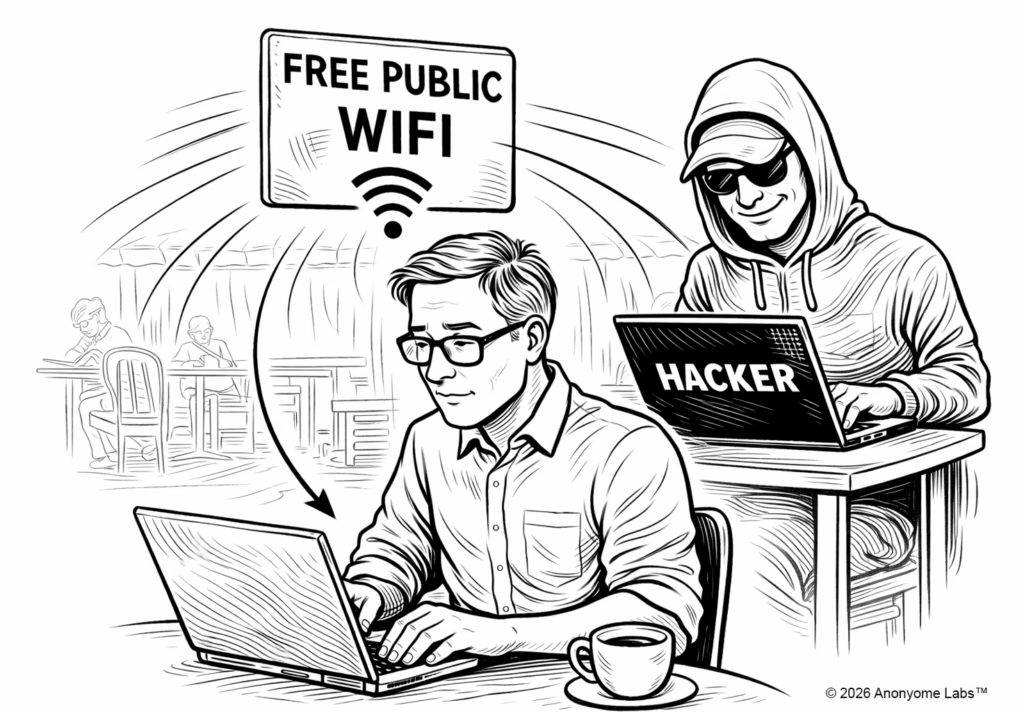
Fake public Wi-Fi networks are especially common in places where people expect free internet access.
Airports often have dozens of visible networks, making it easy for attackers to blend in with names like:
Travelers rushing between flights may quickly connect without verifying the network.
Hotel guests often connect to networks labeled with the hotel name. Attackers may create networks such as:
Because many hotels provide minimal guidance on which network is legitimate, guests can easily connect to the wrong one.
Coffee shops and cafes are prime targets because customers expect open Wi-Fi. A hacker might create networks like:
Customers who connect while checking email or working remotely may unknowingly expose sensitive information.
Although Evil Twin attacks can be convincing, there are several warning signs that a free Wi-Fi network may be malicious.
If you see several networks with nearly identical names, one of them may be fake. For example:
When in doubt, confirm the official network name with staff.
Legitimate networks often require at least a password or agreement to terms of service. Completely open networks may pose a higher risk.
Fake captive portals may ask for:
Legitimate public Wi-Fi networks rarely require this level of personal information.
If your device suddenly prompts you to connect to a new network you did not select, decline the request and verify the network manually.
While fake hotspots can be convincing, several simple precautions can dramatically reduce your risk.
Verify the Official Network Name – When connecting in airports, hotels, or cafes, confirm the official network name with staff before joining.
Disable Auto-Connect – Many devices automatically connect to previously used networks. Disabling auto-connect prevents your device from unknowingly joining a malicious hotspot.
Avoid Sensitive Activities – Do not access sensitive accounts such as:
while connected to public Wi-Fi networks.
Use a VPN – A Virtual Private Network (VPN) encrypts your internet traffic, helping prevent attackers from intercepting your data—even if you accidentally connect to a malicious network. This is one of the most effective ways to protect yourself on public Wi-Fi.
Reduce Your Identity Exposure – Even when using encrypted connections, limiting the amount of personal information tied to your online activity can significantly reduce your risk.
Tools like MySudo from Anonyome Labs allow you to create multiple private identities with separate phone numbers and email addresses. By using these identities online, you can avoid exposing your real personal information if a network is compromised.
Fake Wi-Fi hotspots and Evil Twin attacks are among the most common threats targeting public Wi-Fi users. Because attackers can easily imitate legitimate networks, it is important to stay vigilant whenever connecting to free Wi-Fi.
By verifying networks, avoiding sensitive activity, and using privacy tools such as VPN encryption and identity protection, you can greatly reduce your exposure to these attacks.
Fake Public Wi-Fi Hotspots