Public Wi-Fi networks are convenient, but they also create opportunities for cybercriminals to intercept sensitive data. One of the most common threats is a Man-in-the-Middle (MITM) attack.
In a man in the middle public Wi-Fi attack, a hacker secretly places themselves between your device and the website or service you’re using. This allows them to intercept communications, potentially exposing passwords, messages, and other sensitive information.
Understanding how Wi-Fi interception works can help you protect yourself from these attacks when using public networks.
A Man-in-the-Middle (MITM) attack occurs when a third party secretly intercepts communication between two systems.
Normally, your device connects directly to a website or online service. But in a MITM Wi-Fi attack, the attacker inserts themselves into the connection so that data passes through their system first.
The attacker may then:
Because this interception often happens silently, victims may not realize their connection has been compromised.
Cybercriminals use several techniques to perform Wi-Fi interception attacks on public networks.
Rogue Wi-Fi Networks – Hackers may create fake public Wi-Fi hotspots that mimic legitimate networks. When users connect, the attacker gains visibility into all traffic traveling through the network.
Packet Sniffing – Attackers often use packet-sniffing tools to capture data packets traveling across the network. If the data is not properly encrypted, attackers may be able to read the information contained in those packets.
Network Spoofing – In some MITM attacks, hackers trick devices into routing their internet traffic through the attacker’s system instead of directly to the intended destination. This allows the attacker to monitor communications in real time.
SSL Stripping – Some advanced attacks attempt to downgrade secure HTTPS connections into less secure HTTP connections. If successful, the attacker can view information that would normally be encrypted.
One of the primary goals of a MITM Wi-Fi attack is stealing login credentials. This can happen in several ways.
Intercepting Unencrypted Logins – If a website or application does not properly encrypt login requests, attackers may capture usernames and passwords directly from network traffic.
Session Hijacking – Instead of stealing passwords directly, attackers may capture session cookies. These cookies allow websites to remember that a user is logged in. If attackers steal these cookies, they may be able to access the account without needing the password.
Fake Login Pages – Some attackers redirect victims to phishing pages designed to look like legitimate login screens. When victims enter credentials, the attacker captures them.
Man-in-the-Middle attacks have been observed in many real-world environments, especially where large numbers of people rely on public networks.
Airport WiFi Attacks – Airports often host multiple public networks, making them attractive targets for cybercriminals. Attackers may create rogue networks that resemble official airport Wi-Fi. Travelers connecting to these networks may unknowingly expose login credentials or browsing activity.
Hotel Network Attacks – Hotels are another common location for MITM Wi-Fi attacks. Guests frequently connect to hotel Wi-Fi to check email or access work systems. In some cases, attackers have intercepted traffic to steal sensitive data from hotel guests.
Coffee Shop Networks – Coffee shops are popular workspaces for remote workers. Because these locations often use open W-iFi networks, they can be attractive environments for attackers using packet-sniffing tools.
Although man-in-the-middle public Wi-Fi attacks are a serious risk, there are several effective ways to protect yourself.
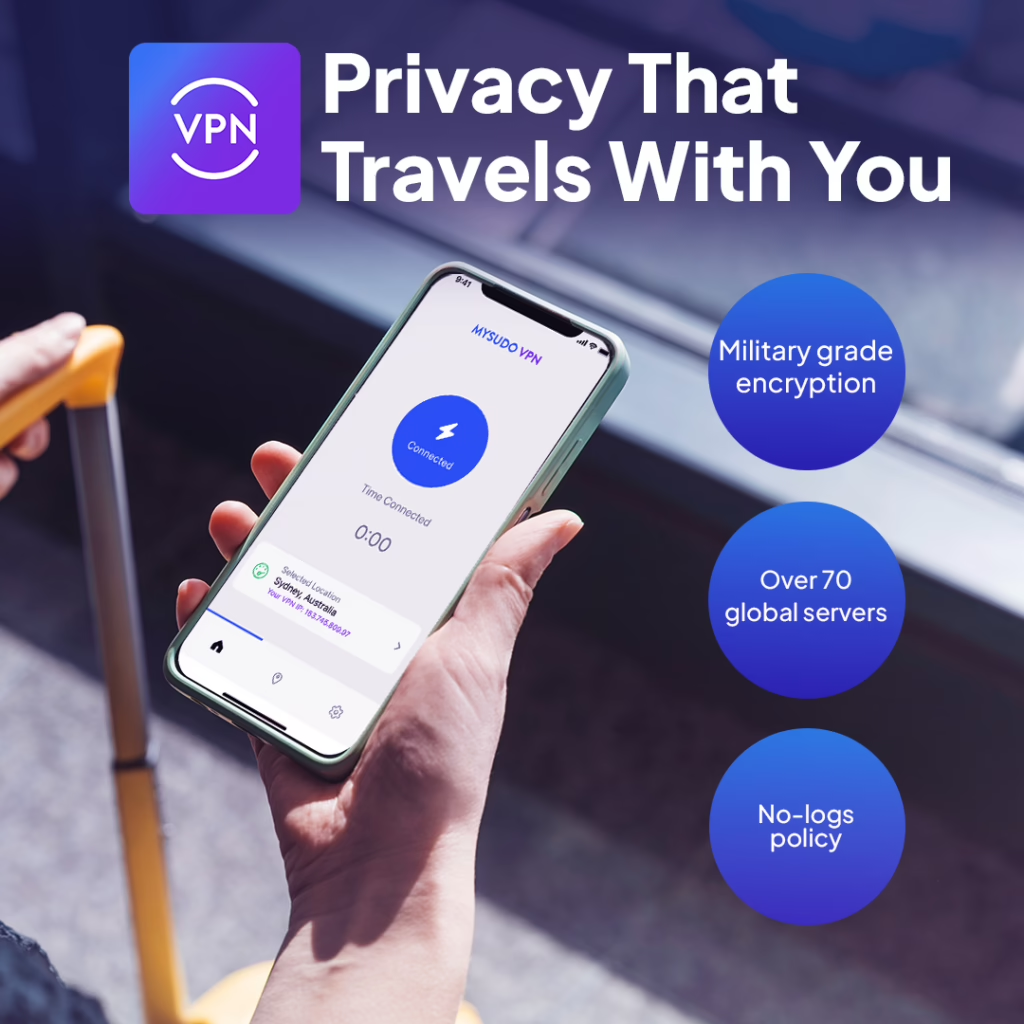
A Virtual Private Network (VPN) encrypts your internet traffic, preventing attackers from reading intercepted data. Even if someone captures network packets, the encrypted information remains unreadable.
Before connecting to public Wi-Fi, confirm the official network name with staff. This helps avoid connecting to rogue hotspots.
Always ensure websites use HTTPS encryption before entering login credentials or personal information.
Avoid accessing banking accounts, payment systems, or confidential work platforms while connected to public Wi-Fi.

Limiting the amount of personal information tied to your online activity can reduce the damage if your connection is compromised. Tools like MySudo® from Anonyome Labs allow you to create multiple private digital identities with separate phone numbers and email addresses. This helps prevent attackers from gaining access to your real personal information.
Man-in-the-Middle attacks on public Wi-Fi are one of the most common ways cybercriminals intercept sensitive data. Because these attacks occur silently, users may not realize their information is being monitored.
By understanding how Wi-Fi interception works and taking precautions like using VPN encryption and verifying networks, you can significantly reduce your risk.
Man-in-the-Middle Attacks