

















MySudo VPN:

Encrypt your internet activity

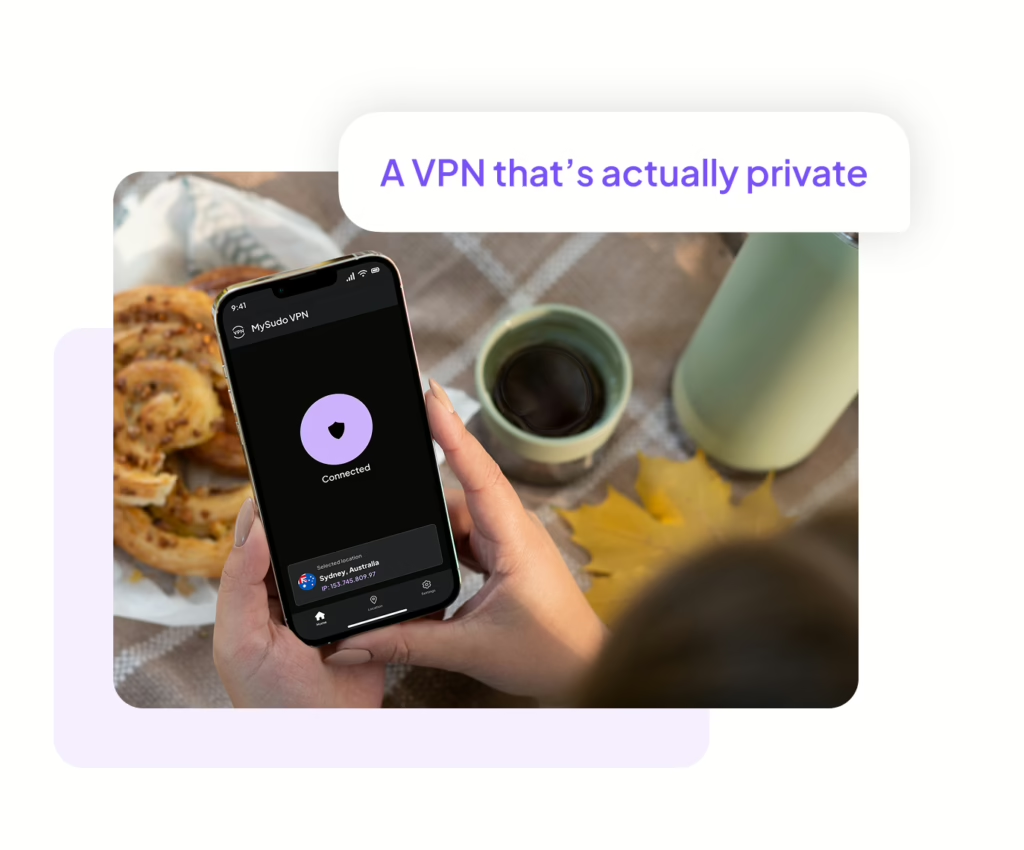
Use the VPN that’s truly private

For mobile

For desktop

Stay safe and private on any network. Shield your location and activity - no matter where you are.

No data collection

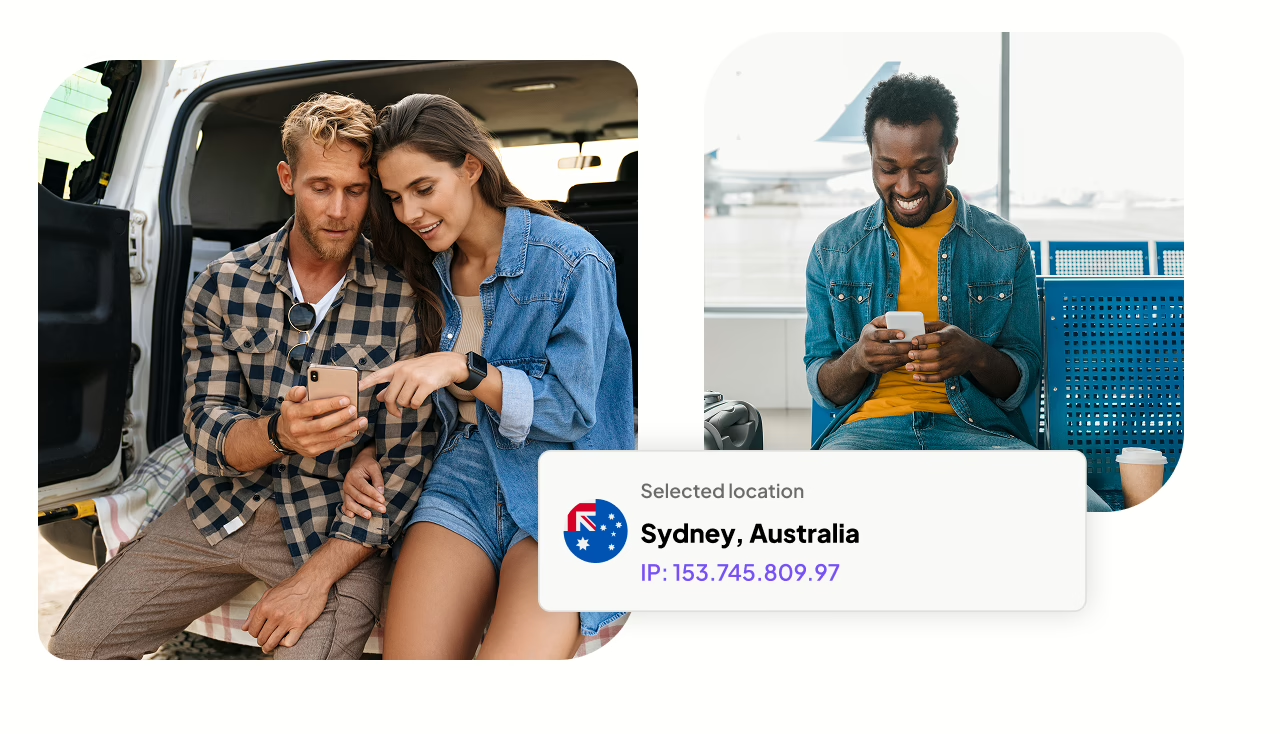
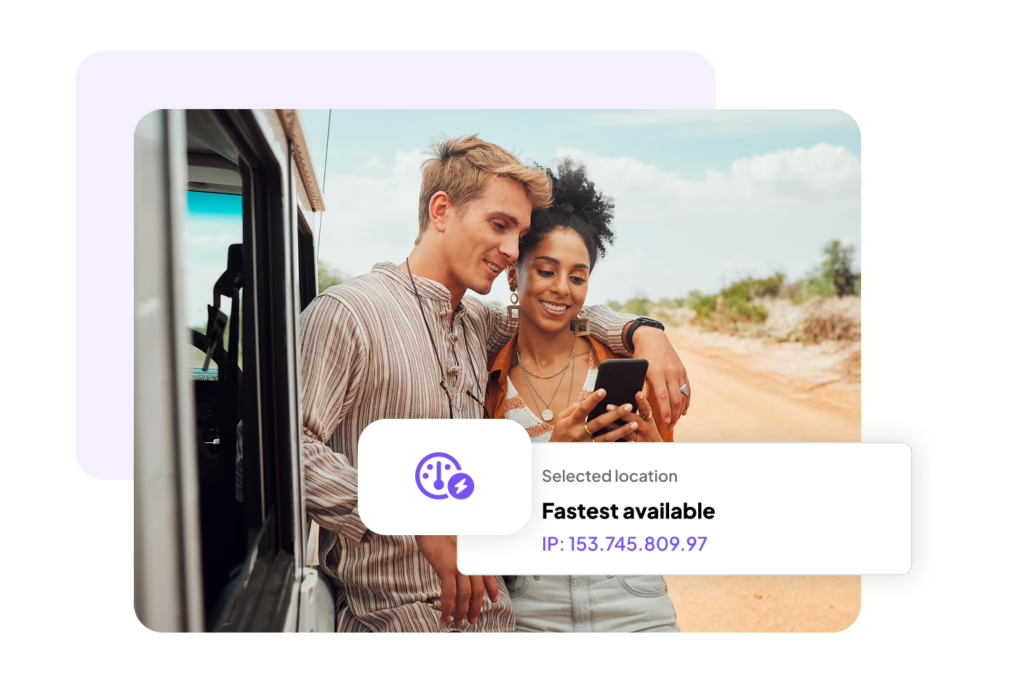
Choice of 76 servers worldwide

Unlimited devices

A VPN is a virtual private network. It creates an encrypted tunnel for your data, hides your IP address, keeps you safe on public Wi-Fi, and lets you access content outside your region.

Privacy by design

Choose the VPN that's actually private

No data collected, tracked, or shared

Truly private. MySudo® VPN collects the minimum data necessary to deliver a fast and reliable VPN service.

The only data we collect is:

  • Registration ID: a new, random identifier for you when you install the app
  • Account status: used to determine whether your account is active

No identifying info to sign up or log in

Encryption key. MySudo VPN will never ask for a username, password, or phone number to sign up or login. Instead, your account is protected by a key that never leaves your device.

No logs

No tracking. MySudo VPN doesn’t keep or sell usage logs. No one can see what you do while using MySudo VPN. We won’t track your IP address, browsing history, bandwidth usage, session information, network traffic, or connection timestamps.

More security and privacy from MySudo VPN

AES-256 encryption

Military-grade security. MySudo VPN uses the same encryption standard governments use to protect top-level information. No-one can read your data, not even us.

Servers worldwide

Great choice. MySudo VPN offers 76 secure servers across 41 countries. Get privacy on the go at Wi-Fi hotspots and sites without a secure protocol.

Multiple protocols

Flexible service. MySudo VPN mobile supports IPsec and IPsec (IKEv2) for iOS, and OpenVPN UDP, TCP, IPsec (IKEv2) and Wireguard for Android. MySudo VPN Desktop supports Wireguard and IKEv2.

Cross-platform

Seamless experience. MySudo VPN for mobile and desktop sync across your devices.

Unlimited devices

No limits. With reasonable usage, you can run MySudo VPN on any number of devices.

No ads

Ad promise. MySudo VPN will never interrupt your service with ads.

Now available!

MySudo VPN desktop edition

Maximize your privacy with our other products

MySudo Mobile Edition
Privacy and identity protection for everyday use
Learn More
MySudo Desktop Edition
Access your Sudo information on your desktop
Learn More
MySudo Browser Extension
Autofill your Sudo information
Learn More
MySudo Reclaim
See where your information has been leaked
Learn More

Maximize your privacy with our other products

MySudo Mobile Edition

MySudo Desktop Edition

MySudo Browser Extension

MySudo Reclaim

Privacy built by a privacy company

Anonyome Labs is a PCI-DSS compliant and SOC 2 Type II certified company that secures your data with our advanced encryption. Our products are engineered from the ground up with privacy as the foundation, not an add-on. We never require a personal phone number to use MySudo or any of our products, ensuring you can stay private from the very first step.

Testimonials

Hear from our happy customers

We're here to help

Head to our Support hub or reach out on X @MySudoApp or email at support@mysudo.com

MySudo VPN for iOS:
MySudo is currently available for download in:

  • Australia
  • Canada
  • New Zealand
  • Singapore
  • South Korea
  • United Kingdom
  • United States

MySudo VPN for Android:
MySudo VPN is currently available for download in:

  • Australia
  • Canada
  • New Zealand
  • Singapore
  • United Kingdom
  • United States

Yes! MySudo VPN is the perfect companion to MySudo all-in-one privacy app.

MySudo VPN is specifically designed to work with MySudo, ensuring a smooth and secure online experience.  Similar to MySudo, no personal identifiable information is required for sign-up, prioritizing your anonymity and data protection.

If you need support, contact us at vpnsupport@mysudo.com or directly in the app.

When you download MySudo VPN on your mobile device, it does most of the work for you. You only need to open the app and connect. But it is useful to know how a VPN works so you can better understand the product.

Here’s what’s going on behind the scenes:

  1. When you connect, MySudo VPN will authenticate and establish an encrypted tunnel between your device and the VPN service.

  2. MySudo VPN encrypts the internet traffic from your device before it sends it to the VPN service. The VPN service then decrypts the traffic and sends it on to the originally requested destination (e.g. a website).

  3. The VPN service then encrypts data returning to your device and MySudo VPN decrypts it. 
This level of encryption is in addition to the encryption that the online service you are accessing may use. For example, browsing to a website that uses https URLs results in two levels of encryption: VPN level and application level.

Don't miss any news or updates

Get MySudo VPN

For mobile:

For desktop: