













Downloading and Installing MySudo Desktop
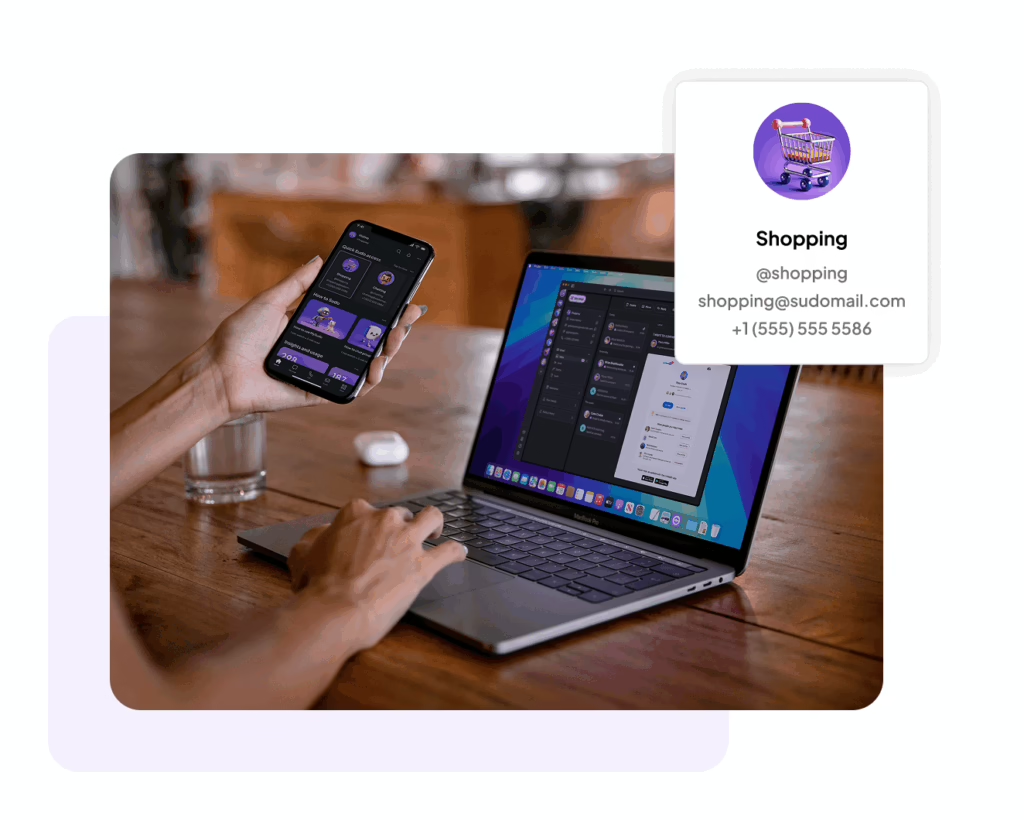
Go to the Apple Store or Microsoft Windows Store and download MySudo Desktop Edition onto your desktop or laptop.
Open the MySudo mobile app on your phone.
Tap the Sudo profile icon in the top left corner → tap the Settings icon in the bottom left corner
Tap Link desktop app → Link MySudo Desktop → scan the QR code displayed on your desktop.
You may need to grant the app access to your camera if you haven’t already.
Note: QR codes refresh every 30 seconds for your privacy and security. They cannot be saved or reused.